myQ Connected Garage
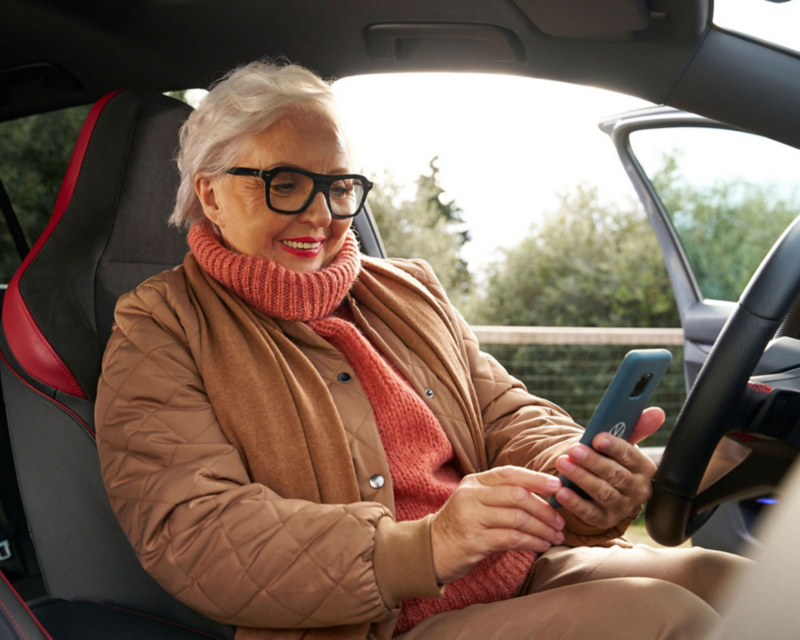
Woman using myQ connected garage via mobile app.
Benefits of myQ Connected Garage

Conveniently control your garage door from anywhere. View current garage door status, customize geofence capabilities, and manually open/close garage door right from your vehicle's infotainment system. Purchase an In-Vehicle Premium plan through the myVW app to activate myQ Connected Garage.

Only available on select models and trims.

Check vehicle compatibilityOpens an external link


myQ Connected Garage features

Some features and functions may not be available for certain models and model years. Check the chart below for more information on vehicle functionality.

Check vehicle compatibilityOpens an external link


Get access to myQ Connected Garage and more when you purchase an In-Vehicle Premium plan

VW interior with navigation screen, perfect for adventures.

Your subscription will automatically renew every year at the then current yearly rate (plus taxes and fees) unless you cancel before the end date of your current term. You can cancel in your account settings in the myVW app.

  • Valet mode

    Add an extra layer of security when someone else is driving your car.

    • Suspend myQ features and personalized settings when someone else is driving your car
    • Easily enable and disable valet mode right from the myVW mobile app
  • Geofence auto open and close

    Customize your garage door to automatically or manually open and close when arriving or leaving home.

    • Set custom geofences around your home to automatically open and close your garage door upon your arrival or departure
    • Your garage door will open and close at your preferred distance when leaving or returning
    • Easily customize your geofence settings right from your infotainment system via the in-vehicle myQ app
  • Convenient access

    Get instant access via the touchscreen in your VW.

    • Open and close your garage door conveniently from your touchscreen
    • Monitor your garage door and never wonder if you accidentally left it open
    • Customize your settings to have your door auto-open and auto-close, or choose a manual prompt for a more personalized experience
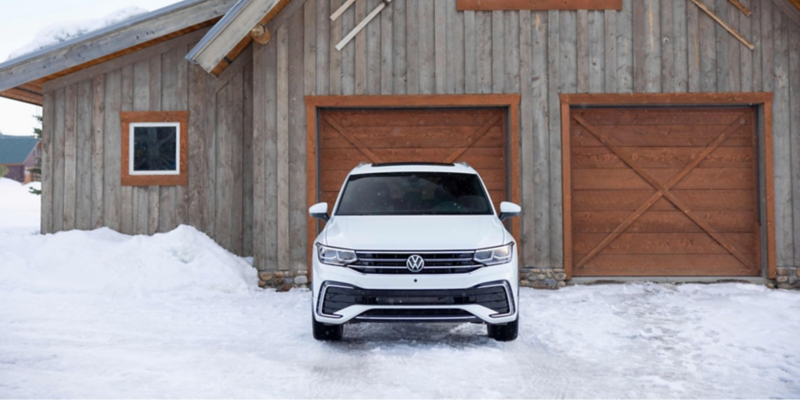
VW Tiguan parked in driveway.
Your step-by-step myQ Connected Garage
1
Confirm vehicle eligibility

myQ Connected Garage is available as part of the In-Vehicle Premium plan for select vehicles. Check the chart below to see if your vehicle is eligible.

2
Check your compatibility  

To use the myQ connected garage feature, you will need a compatible garage door opener. Click the link below to check your garage compatibility. If your existing garage is not compatible on its own, you may be presented with the option to purchase a myQ Smart Garage Control. This universal control turns your existing garage door opener into a myQ-enabled device, allowing you to enjoy the benefits of myQ connected garage.

Check your garage door compatibility here

3
Download the myQ app

If you haven’t already, download the myQ app and create an account. Then, follow the prompts within the app to connect your myQ enabled garage.

Download myQ on the App Store

Get myQ on Google Play

4
Link your accounts
  1. Open the myVW app
Note: An active In-Vehicle Premium Plan is required to access myQ connected garage. If you haven’t already, continue to the shop tab to purchase an In-Vehicle Premium plan.
  2. Go to the subscription management page 
  3. Tap “In-Vehicle Premium” 
  4. In the gray box, tap “link account” next to myQ Garage and follow the prompts to link your accounts.  
5
Enjoy myQ Connected Garage

Once you have successfully completed the steps above, you will be able to control your garage door right from your in-vehicle display with myQ Connected Garage.

myQ Connected Garage vehicle compatibility

Only available in select models and trims. Vehicle must be equipped with MIB3 infotainment system. See if your vehicle is compatible below.

myQ Connected Garage vehicle compatibility

Year / Vehicle Type

Package / Service

Compatibility Exclusions

Atlas Cross Sport
2023

  • In-Vehicle Premium
  • Only available on vehicles equipped with an MIB3 infotainment system and software 835 or higher

Atlas
2023

  • In-Vehicle Premium
  • Only available on vehicles equipped with an MIB3 infotainment system and software 835 or higher

Arteon
2023

  • In-Vehicle Premium
  • Only available on vehicles equipped with an MIB3 infotainment system and software 835 or higher

Tiguan
2023, 2024

  • In-Vehicle Premium
  • Only available on vehicles equipped with an MIB3 infotainment system and software 835 or higher

Jetta
2023, 2024

  • In-Vehicle Premium
  • Only available on vehicles equipped with an MIB3 infotainment system and software 835 or higher

Jetta GLI
2023, 2024

  • In-Vehicle Premium
  • Only available on vehicles equipped with an MIB3 infotainment system and software 835 or higher

Taos
2023, 2024

  • In-Vehicle Premium
  • Only available on vehicles equipped with an MIB3 infotainment system and software 835 or higher

Atlas Cross Sport
2023

Package / Service

  • In-Vehicle Premium

Compatibility Exclusions

  • Only available on vehicles equipped with an MIB3 infotainment system and software 835 or higher
Find answers about connected vehicle services

The VW Help Center

Discover answers to frequently asked questions about software updates related to your vehicle. Explore a wealth of information to better understand our products and services.